
LED Video Processor Buying Guide: Inputs, Pixel Capacity, Scaling, and Redundancy
Imagine investing in a high-end visual system with excellent pixel pitch, resolution, and brightness, only to find that your cameras, laptops, or media players do not display content the way you expected. This problem is more common than it should be. Even premium LED panels depend on the hardware managing the signal between the source and the screen.
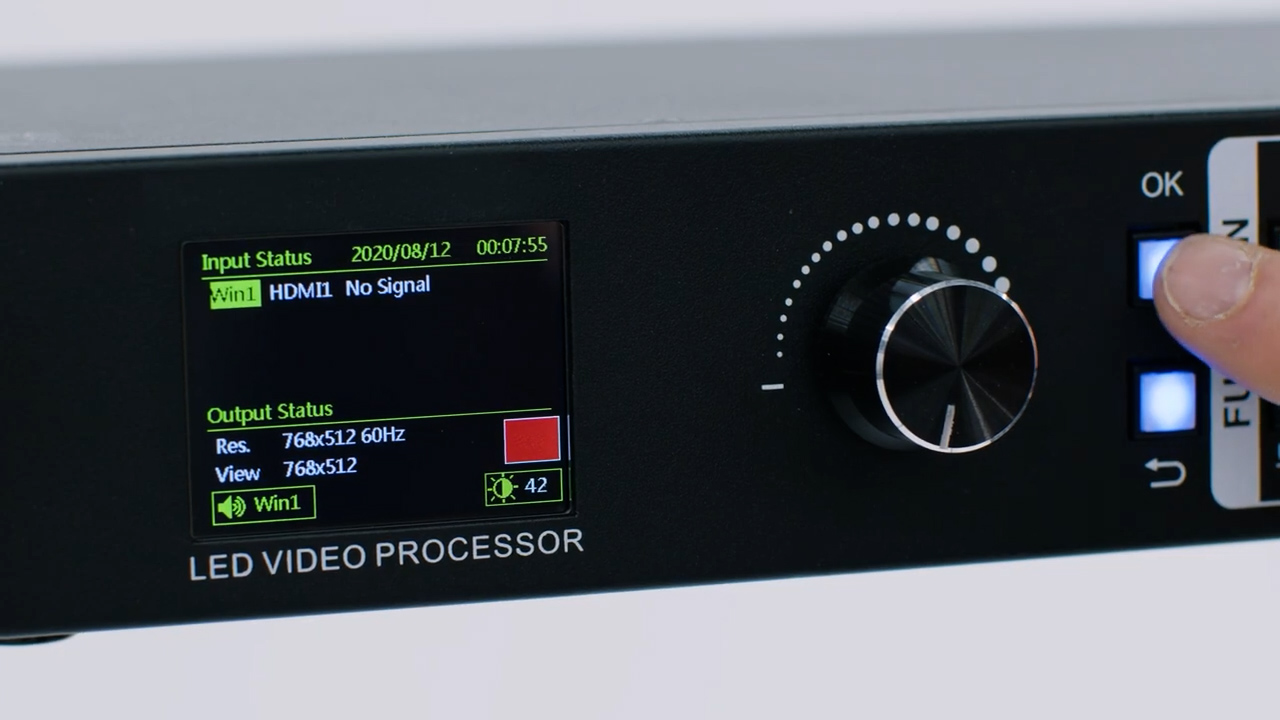
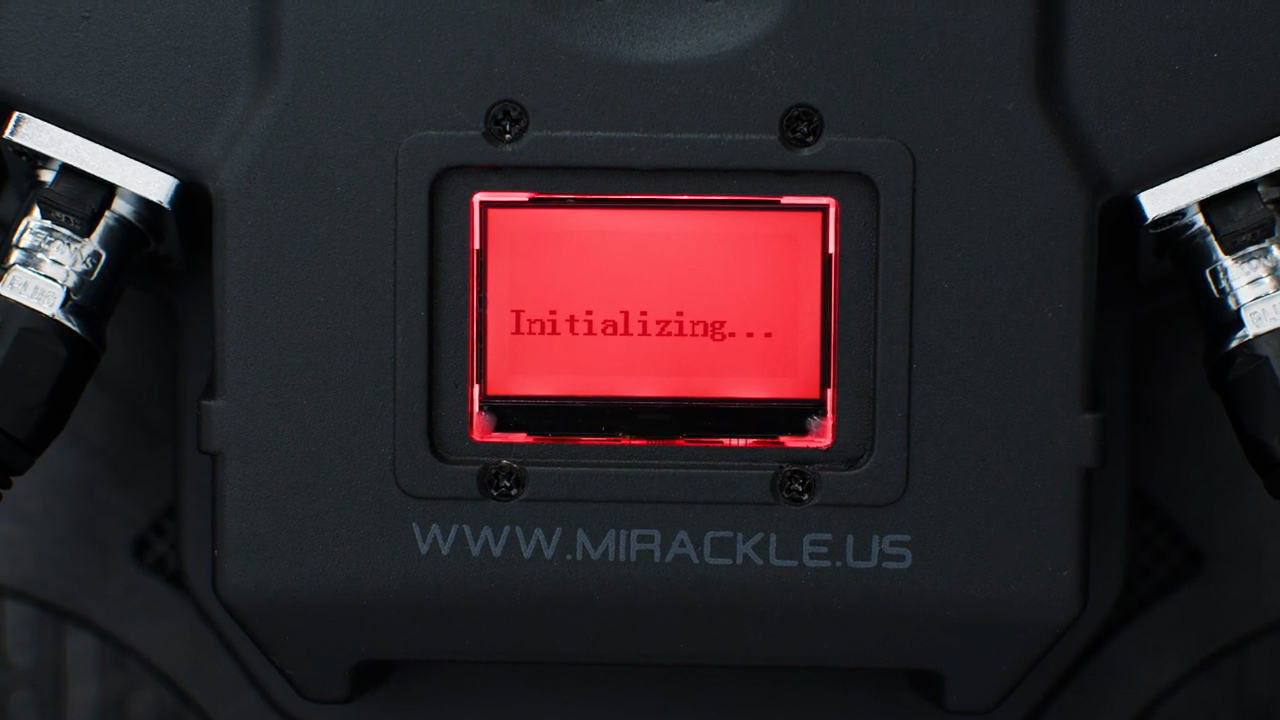
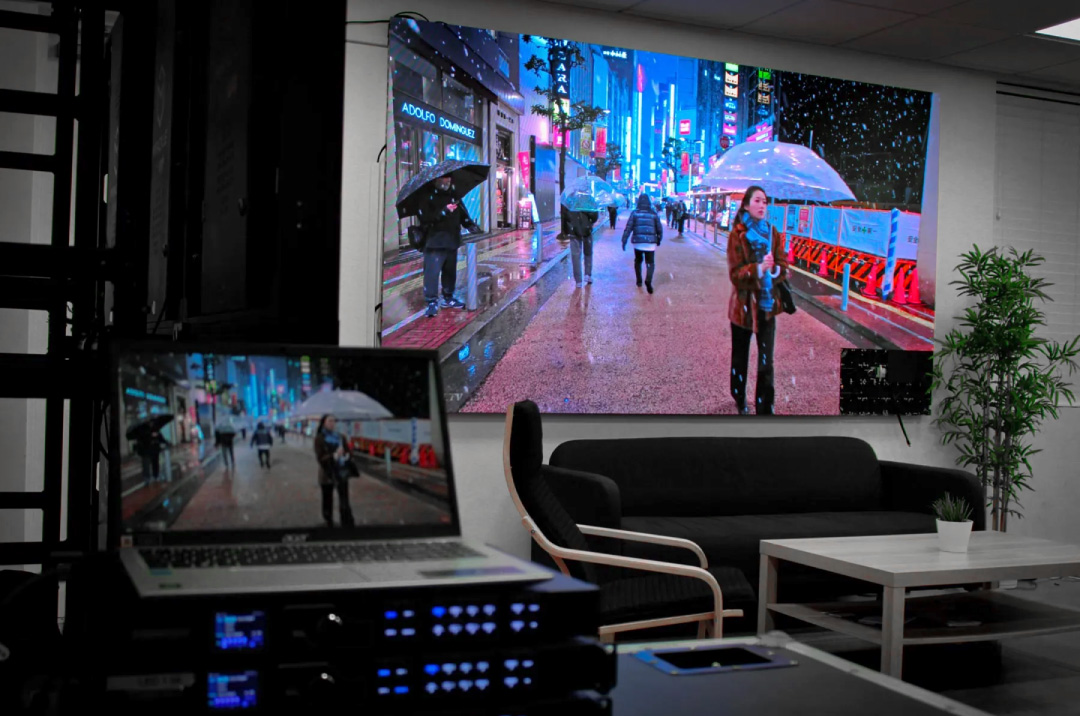
A video processor acts as the control center of the signal chain. It determines how content enters the system, how it is scaled or converted, and how it is distributed across LED video walls. It also handles synchronization and source switching, helping multiple inputs work together without stutters, glitches, or blackouts.
Choosing the right processor is not simply about counting ports or comparing prices. Pixel capacity, scaling quality, redundancy, workflow, and future expansion all matter. The goal is to select hardware that protects the investment while supporting the way the system will actually be used.
Start With the Content, Not the Processor
What Will You Actually Connect to the LED Wall?
Before comparing brands or technical specifications, list the sources the system will use every day. The processor should match the real content workflow, not an idealized setup. Typical sources include:
- Laptops and presentation systems for slides, spreadsheets, and business software.
- Cameras and live production equipment for real-time video.
- Media players for pre-recorded graphics, videos, and animations.
- Streaming or transmission systems for remote feeds and digital platforms.
- Digital signage platforms for scheduled advertising or institutional content.
- Additional AV hardware such as matrices, switchers, or auxiliary processors.
A well-planned system should also allow multiple sources and control platforms to work together cleanly. This is especially important when LED display packages are part of a broader AV installation rather than a standalone screen.
Live Video and Scheduled Content Behave Differently
Live and scheduled content place very different demands on the processor. A church service, corporate event, or broadcast environment depends on immediate response. Camera changes, source switching, and live playback require low latency and reliable synchronization.
By contrast, retail LED screens or lobby installations often rely on loops, scheduled content, or pre-recorded media. Stability still matters, but real-time switching is usually less critical. Understanding this difference helps avoid paying for capabilities the project does not need.
The workflow should determine the required level of processing, connectivity, and control. The objective is balance: enough capability for the installation without unnecessary complexity or expensive over-specification.
Today’s Setup May Not Be Tomorrow’s Setup
One of the most common planning mistakes is choosing equipment only for today’s configuration. A system that begins with one laptop may later add cameras, switchers, streaming hardware, or more cabinets. That growth can quickly change the processing requirements.
A video processor should support the system you expect to operate over the next several years, not just the source connected on day one. Building in room for expansion can prevent an early replacement and keep LED walls flexible as content needs evolve.
Pixel Capacity Is Where Many Projects Get Complicated
Your Processor Has to Carry Every Pixel
Every screen has a total pixel count that must be processed, synchronized, and transmitted in real time. As pixel density increases, so does the amount of data the processor must handle. This is especially important with fine-pitch LED display panels, where a relatively compact installation may contain a very high number of pixels.
Bigger Screen Does Not Always Mean More Pixels
Physical size alone does not determine processing demand. A large screen with a wider pixel pitch may require less processing power than a smaller, high-density array. For LED walls, buyers should focus on total resolution rather than relying only on the dimensions of the installation.
Leave Room Before You Reach the Limit
Running a processor at its absolute limit leaves little room for future changes. Adding cabinets, increasing resolution, or driving a second screen can quickly exceed the system’s capacity. A sensible performance margin gives LED video walls room to grow without forcing an early hardware upgrade.
Scaling Determines What the Audience Actually Sees
Sources Rarely Match the LED Wall Perfectly
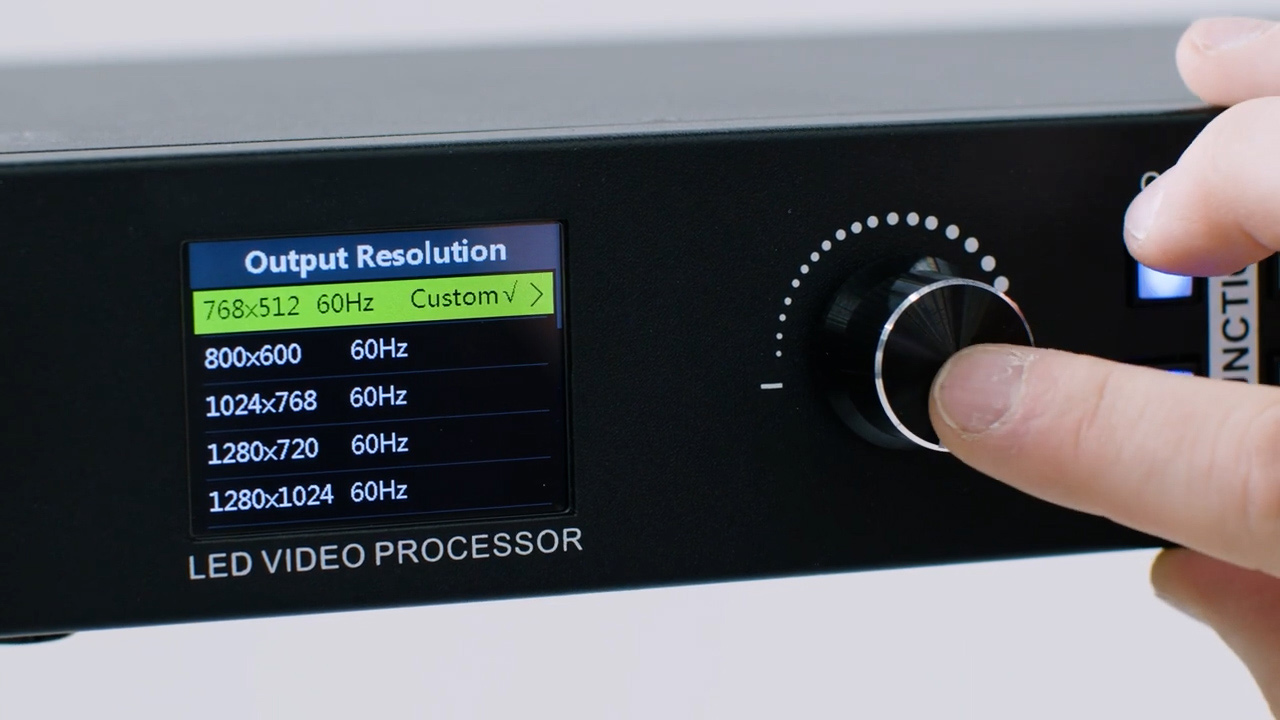
Unlike standard monitors or televisions, LED screens are often built to custom dimensions and aspect ratios. Content from a laptop, camera, or media player may not match that canvas exactly. Good scaling adapts the source to the screen without forcing the content team to rebuild every asset.
This flexibility is one of the advantages of modular LED technology. It allows LED displays to fit wide formats, architectural spaces, corners, and other custom configurations while still presenting content at the correct scale.
Good Scaling Should Feel Invisible
High-quality processing should make image manipulation almost impossible for the audience to notice. Poor scaling, by contrast, can make even strong creative content look unprofessional. Common problems include:
- Distorted proportions in graphics or faces.
- Cropped logos, text, or key information near the edges.
- Compressed or stretched content that looks unnatural.
- Unused black areas that waste part of the screen.
- Visible alignment issues when content spans multiple cabinets.
For professional LED panels, scaling should preserve the intended composition without drawing attention to the processing behind it. When the setup is correct, the audience sees the content—not the correction.
Processing Cannot Fix the Wrong Display Specification
A capable controller can route and scale complex signals, but it cannot compensate for a poorly specified screen. Processing has limits. Pixel pitch, refresh rate, brightness, physical resolution, and viewing angle are determined by the display hardware itself.
The processor can optimize the incoming signal, but the final image quality still depends on the right hardware selection. That is why processor planning and screen specification should be treated as part of the same design process rather than separate decisions.
Redundancy Is Crucial When the LED Wall Cannot Go Black
Ask What Happens If One Signal Path Fails
A failed cable, source, or port during a corporate event, worship service, live production, or broadcast can interrupt the entire experience. Redundancy provides a backup path before that failure becomes visible to the audience.
Some processors support duplicated signal paths, backup inputs, or automatic failover. If the primary connection fails, the system can switch to an alternate route with minimal disruption, helping protect critical LED display panels from an avoidable blackout. The same planning matters when multiple LED display panels share a single signal path.
Not Every Installation Needs the Same Level of Backup
The right level of redundancy depends on the consequences of downtime. A small retail installation does not carry the same operational risk as a stadium, broadcast set, or live performance venue. Key considerations include:
- How critical uninterrupted operation is to the project.
- The financial or reputational impact of a failure.
- Whether the content is live or pre-recorded.
- How quickly the system can be restored if an issue occurs.
- How heavily the equipment is used on a daily basis.
Reliability Is Bigger Than the Processor
A processor cannot guarantee reliability on its own. The full signal chain matters, including sending cards, receiving hardware, power supplies, cabling, cabinets, and control software. Strong LED solutions depend on each of these components working together consistently.
This is why buyers should evaluate the entire installation rather than focusing on a single device. A reliable system is built through coordination, not by relying on one piece of equipment to solve every potential weakness.
Buy the Processor as Part of the Entire LED Display System
Hardware Decisions Affect Processing Decisions
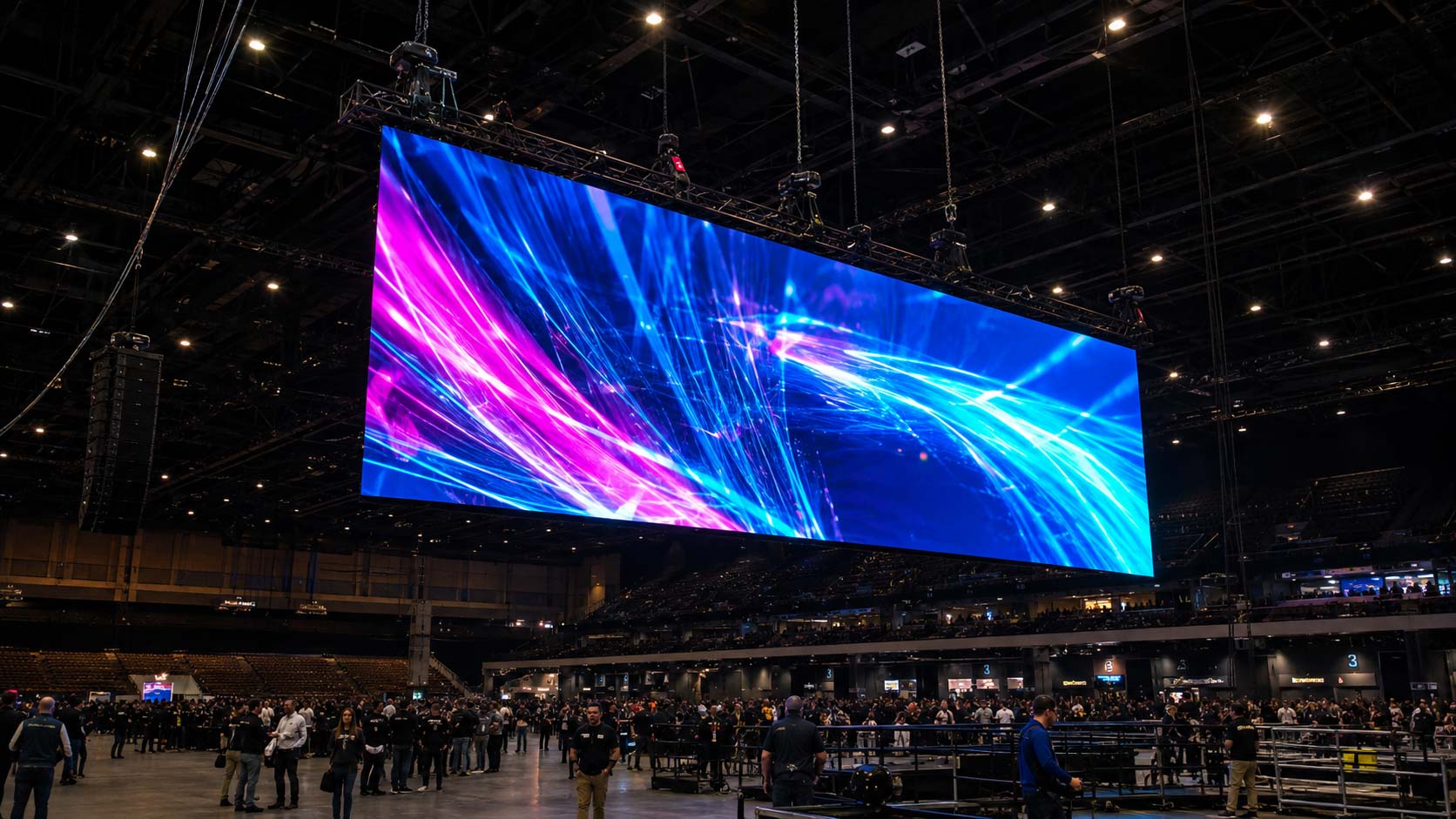
A controller should never be selected in isolation. LED wall support systems, mounting method, access, cabinet design, and the intended content workflow all influence the overall system. LED displays installed on walls, floor supports, or flown structures may serve different purposes even when they use similar LED panels and processing hardware.
Features such as lightweight cabinets, front-service access, and magnetic modules can simplify installation and maintenance. These mechanical details affect long-term usability, even if they are not controlled by the processor itself.
Indoor and Outdoor Projects Create Different Priorities
Outdoor LED wall installations typically prioritize weather protection, high brightness, and stable operation in changing environmental conditions. The full system must be designed for exposure, visibility, and serviceability. Depending on the project, LED devices may also require appropriate enclosure ratings and environmental protection.
Indoor LED screen systems—especially fine-pitch LED video walls—place greater emphasis on close-range clarity, precise image processing, and clean integration with cameras or presentation systems. The processor may be similar, but the performance priorities are different.
Think in Years, Not Inputs
From LED Market’s perspective, long-term value matters more than the initial price alone. Warranty coverage, serviceability, repair options, and expansion capacity all influence total cost of ownership. The cheapest option can become expensive if it restricts growth or forces the entire system to be replaced later.
A better purchasing decision considers the complete signal path, the expected workflow, and the life of the installation. Choose for the system you are building; not just for the HDMI ports you need today. That approach helps LED walls and LED screens remain useful as requirements change.
Transform your storefront and drive more foot traffic. Get a custom quote for your LED display project today.