
LED Display Bit Depth Explained: 8-Bit, 10-Bit, 14-Bit, and 16-Bit Processing
Two LED screens can show the same sunset and deliver noticeably different results. One displays a smooth transition from orange to blue; the other breaks the sky into visible bands. The difference may come down to tonal precision, not resolution or brightness alone.
Bit depth describes how many intensity levels a system can represent in each color channel. For buyers comparing LED video walls, it helps explain why gradients, shadows, and subtle color changes look more natural on some systems than others. Still, a higher number on a spec sheet does not guarantee better image quality.
5-year warranty included

Technical support that answers

Nationwide shipping and service

U.S.-based team
Why the Same Image Can Look Different on Two LED Walls
The Difference Hiding Between Colors
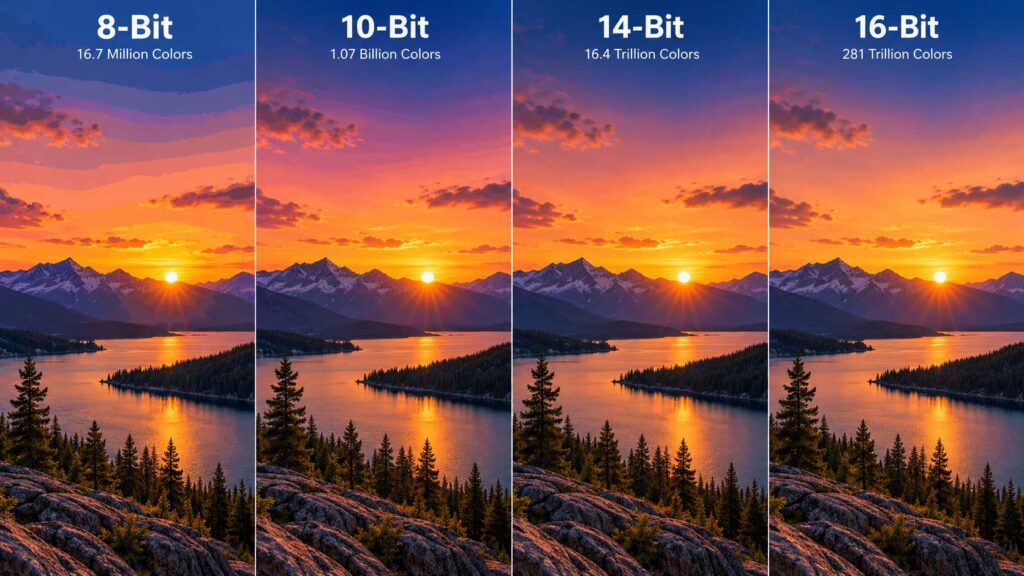
Place two LED walls side by side with matching pixel pitch and resolution, and their differences may be hard to spot in bright footage. Switch to a fading sky or a softly lit background, however, and color banding can become obvious. Instead of blending gradually, neighboring shades appear as distinct stripes.
What Happens in Shadows and Dark Scenes
Dark scenes expose limitations that colorful advertising can hide. On LED displays with poor grayscale control, shadow details can disappear into flat black areas, making fabric, faces, and background textures difficult to distinguish. Accurate low-brightness performance preserves those details without washing out the image.
What Viewers Actually Notice
Viewing distance, pixel pitch, ambient light, and calibration all shape what people see. Fine-pitch LED screens are often viewed at closer distances, making uneven gradients more noticeable. Consistent image quality depends on the entire system, not one standout specification.
Not sure which processing depth your content needs?
We review your footage with you.
More tonal steps
Higher bit depth means finer steps between neighboring shades.
Where banding shows
Skies, shadows and slow fades reveal what bright footage hides.
Processing decides
The processor sets what the panel actually receives.
8-Bit vs. 10-Bit vs. 14-Bit vs. 16-Bit: What Really Changes?
More Shades, Smoother Transitions
Each red, green, and blue channel has a theoretical number of intensity levels at a given bit depth: 256 at 8-bit, 1,024 at 10-bit, 16,384 at 14-bit, and 65,536 at 16-bit. More available steps can help LED screen packages reproduce delicate gradients, especially at lower brightness. These numbers describe potential precision, not guaranteed on-screen performance.
Why Processing Depth Isn't the Whole Story
A specification advertising 16-bit grayscale may describe the driver circuitry or internal processing—not a 16-bit video input. LED panels rely on the source signal, video processor, receiving cards, driver ICs, and calibration. A limitation anywhere in that chain can affect the image, so ask suppliers exactly what their bit-depth claims refer to.
When Higher Bit Depth Is Worth It
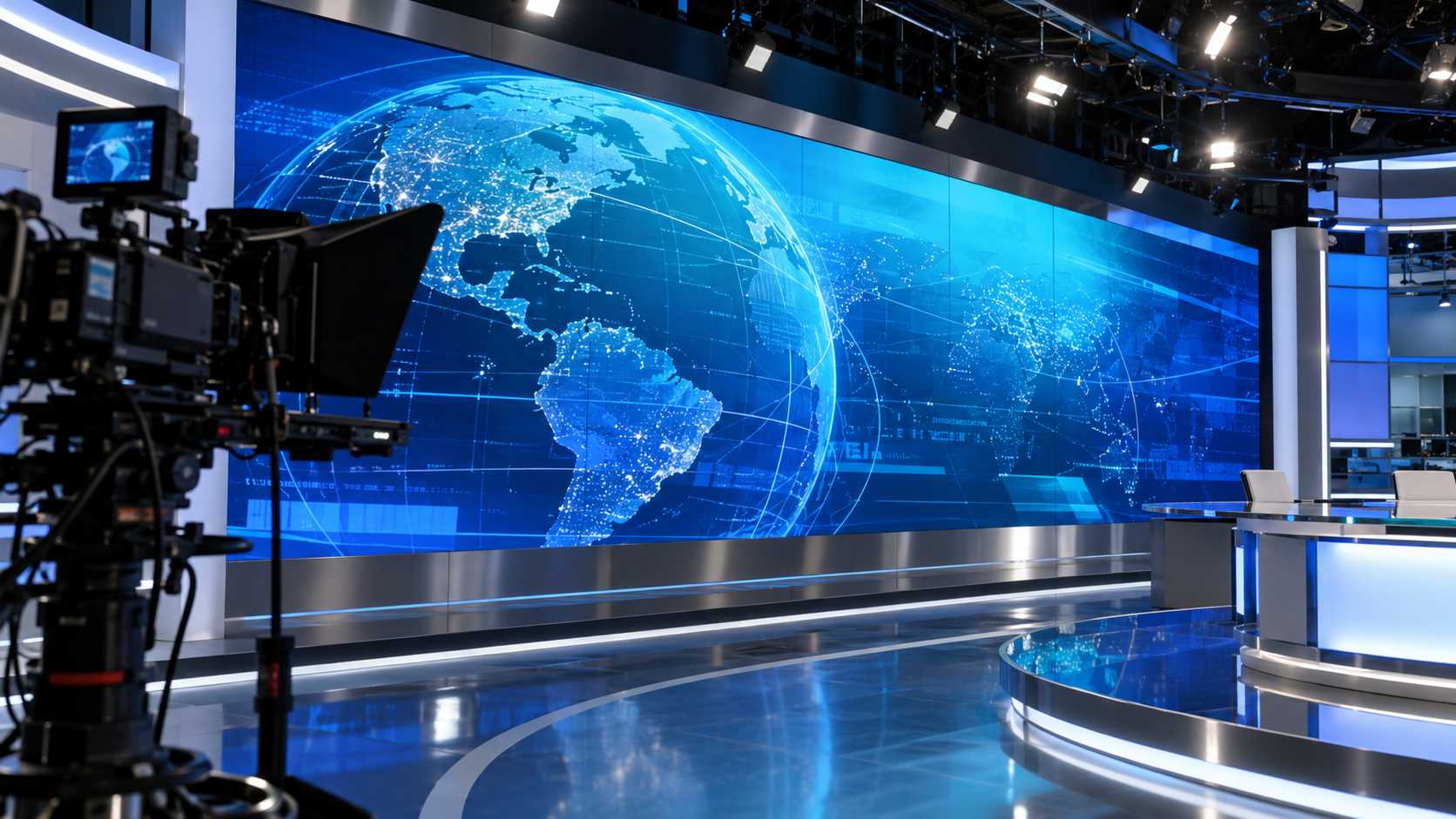
Advanced grayscale handling is particularly valuable for LED video walls used in virtual production, broadcast studios, and other applications featuring detailed shadows or skin tones. For signage with bold text and saturated graphics, brightness, contrast, and reliability may be more important than the highest available bit depth. The right choice depends on the content and viewing conditions.
The Real-World Test: Bright Rooms, Dark Stages, and Cameras
When the Lighting Changes Everything
Bright environments can make subtle tonal differences harder to see. Dark stages do the opposite: as LED displays are dimmed, poor grayscale handling may introduce banding or crush shadow detail. Request a low-brightness demonstration to see how the system performs outside an ideal showroom setup.
When the Camera Sees More Than the Audience
Cameras may reveal flicker or scanning artifacts that audiences barely notice. Refresh rates of 3,840 Hz or higher can help, but refresh rate and bit depth address different issues: how the pixels are driven versus how finely brightness levels are represented. Test LED walls with the intended cameras, shutter settings, and content rather than relying on a single published number.
Choosing for the Content, Not Just the Location
Retail promotions favor clear typography and strong visibility; virtual production requires believable skin tones, shadows, and gradients. Corporate presentations benefit from smooth dimming and accurate colors, while live events need stable, camera-friendly performance. Whether buying LED screens for a permanent installation or renting LED panels for an event, choose specifications around the material people will actually see.
What to ask before you buy
- Ask for the real processing depth, not the panel label
- Request a test with your own gradient footage
- Check how dark scenes look, not only bright ones
- Confirm calibration is included and documented
The Technology Behind a Picture That Performs
The Journey From Content to Screen
A camera, playback computer, or media server sends a signal to a processor, which manages inputs and scales the image. The controller distributes data to receiving cards, which work with driver ICs to operate the modules. For LED display panels, proper configuration and calibration matter as much as compatible hardware; even an advanced processor cannot correct every weakness downstream.
Live Content vs. Scheduled Playback
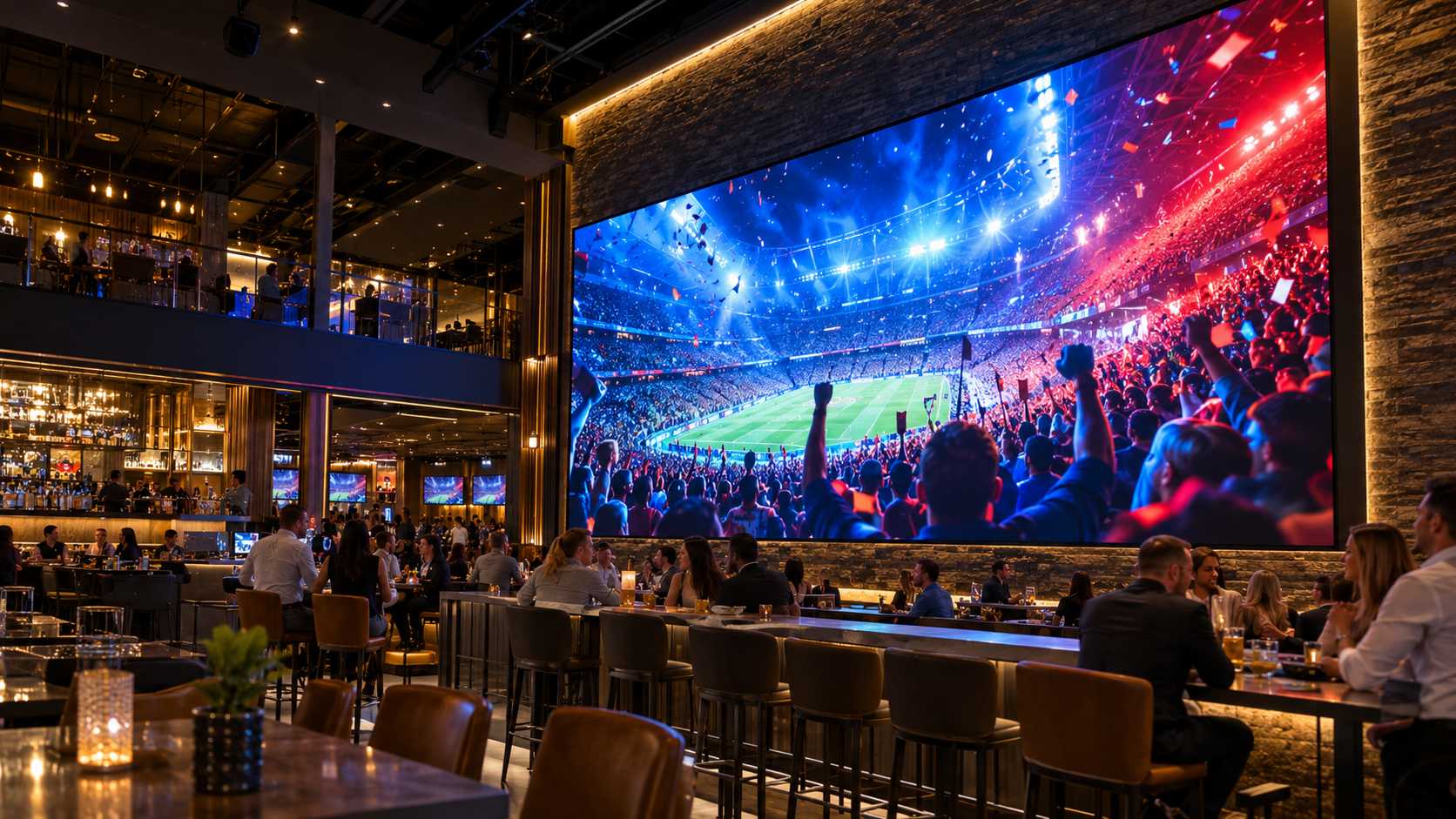
Synchronous systems display a live feed and suit concerts, sports broadcasts, and presentations where predictable latency matters. Asynchronous systems store media for scheduled playback, making them useful for storefront campaigns and unattended signage. Both can support LED panels; the best control method depends on whether the content is live or preprogrammed.
A Display That Fits the Space
Installation conditions should inform the purchase. LED displays may be wall-mounted, freestanding, or suspended, each with different structural and service requirements. LED display panels also need protection suited to the site: some indoor models carry IP45 ratings, while exposed outdoor LED wall installations often call for IP65-rated equipment. Check the front and rear ratings separately, as well as mounting, maintenance access, and local conditions.
U.S. stock, real technical support,
and a 5-year warranty.
How to Choose an LED Panel That Delivers Lasting Value
Beyond the purchase price, compare serviceability, replacement parts, and ongoing technical support. Reliable LED technology protects long-term performance by reducing avoidable downtime and maintenance costs. When comparing LED devices such as controllers and receiving cards, confirm their compatibility and the specific warranty terms.
LED Market advertises a 5-year warranty and U.S.-based technical support for its LED solutions. Before purchasing or renting LED video walls, verify which products and components are covered and what service is available. Clear support terms and dependable performance are more valuable than an impressive specification that cannot be demonstrated.
Send us your content and venue.
We tell you what the panel must handle.
See the panel in operation
A short look at the panel and its processor, so you can judge the image yourself.

10% off by completing the form
Transform your storefront and drive more foot traffic. Get a custom quote for your LED display project today.